
how to handle captcha: Ethical, Legal Approaches for Web Automation
Hitting a CAPTCHA is a normal part of web automation. It is a signal from the site that it wants to confirm a real person is involved, and the most productive response is not to "break" the puzzle but to understand why it appeared and design your automation so it does not need to. The best approaches are about sending clean, well-formed, consistent requests, pacing your traffic, and—where a workflow genuinely needs interactive access—asking the site owner for an official API or permission.
This guide focuses on authorized data collection: working with a site's infrastructure for data you have permission to access, and staying on the right side of the law while you do it.
A quick note on authorized use: this guide assumes you are collecting public data you have permission to access, in line with each site's terms and applicable law.
The Modern CAPTCHA Challenge in Web Scraping
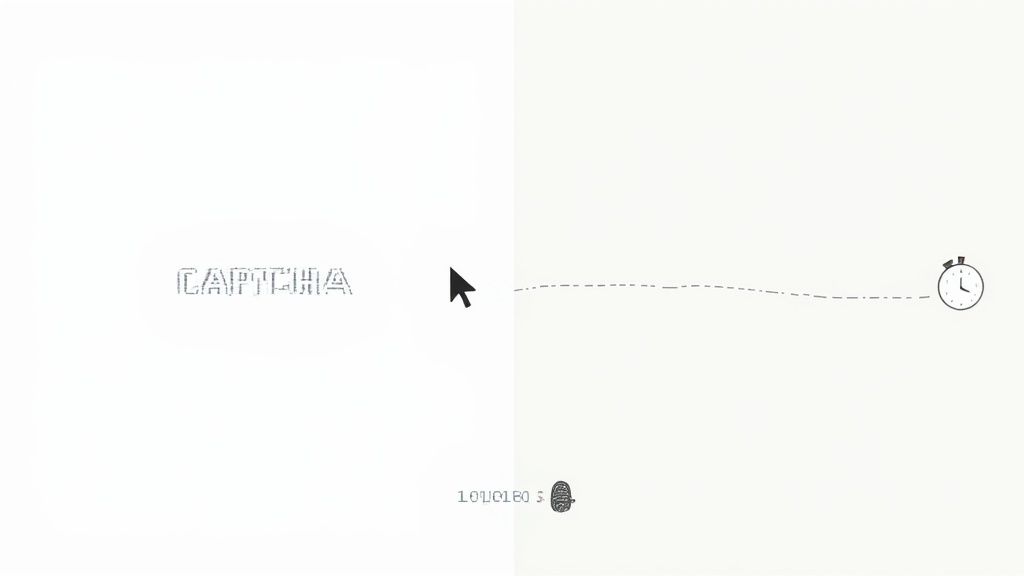
A CAPTCHA can feel like the end of the line for an automation workflow, but it is really just a verification step. These checks have evolved far beyond simple puzzles; they are now part of how sites manage automated traffic and protect their infrastructure. To understand why CAPTCHAs appear, it helps to look at the bigger picture of how sites secure web applications.
Websites use these checks for a few very good reasons:
-
Protecting Proprietary Data: They want to stop competitors from scraping prices, product lists, or unique content.
-
Preventing Malicious Activity: It's about blocking bots from spamming forms, creating fake accounts, or trying to breach security.
-
Ensuring Server Stability: They need to stop aggressive scrapers from overwhelming their servers with too many requests.
Everything in this guide is built on one core idea: ethical and responsible data gathering. That means respecting a site's terms of service, collecting only data you are authorized to access, and building automation that does not cause disruption.
From Puzzles to Behavior Analysis
The approach has completely changed. Early CAPTCHAs were just distorted text or simple image puzzles that older bots could sometimes read with basic optical character recognition (OCR). Today's systems are far more sophisticated, often working quietly in the background.
By 2025, systems like Google’s reCAPTCHA v3 are designed to operate without ever showing a user a puzzle. Instead, they assign a risk score based on subtle user behaviors—things like mouse movements, scrolling speed, and how you time your clicks. A challenge only appears if the system flags your activity as suspicious.
This evolution means automation has to send consistent, well-formed requests so verification systems can handle them smoothly. The most reliable setups combine sensible IP rotation, browser automation with a consistent browser configuration, and respectful pacing—so the traffic looks like what it is: a steady, legitimate client.
The takeaway is that the most reliable way to handle a CAPTCHA is to avoid triggering one in the first place. Success depends far less on "solving" a puzzle and far more on presenting a consistent, well-configured client and pacing your requests for the authorized workflows you run.
Before we dive into the different types, it's helpful to see what you're up against. Each CAPTCHA variant presents its own set of problems for scrapers.
Common CAPTCHA Types and Their Scraping Hurdles
Here’s a quick rundown of the most common CAPTCHAs you'll likely encounter and why they can be a headache for automation.
| CAPTCHA Type | How It Works | Primary Challenge for Automation |
|---|---|---|
| Text-Based (Classic) | Displays distorted or obscured letters and numbers for the user to type. | Requires Optical Character Recognition (OCR), which can fail with heavy distortion. |
| Image Recognition | Asks users to identify specific objects in a set of images (e.g., "select all squares with traffic lights"). | Needs advanced computer vision and context understanding that basic scripts lack. |
| reCAPTCHA v2 ("I'm not a robot") | A simple checkbox that analyzes user behavior (mouse movement, timing) before the click. | The analysis happens in the background; a single, abrupt programmatic click rarely produces the natural signals it expects. |
| reCAPTCHA v3 (Invisible) | Runs in the background, scoring user actions without any visible challenge unless a high risk is detected. | The biggest challenge is not triggering it. Requires a consistent, well-configured client throughout the session. |
| hCaptcha | Similar to reCAPTCHA v2 but often uses more complex image labeling tasks. | Image classification can be difficult and computationally expensive to automate reliably. |
| FunCAPTCHA (Arkose Labs) | Presents interactive games or puzzles, like rotating an image to the correct orientation. | Requires complex interaction simulation (dragging, rotating) that goes beyond simple clicks. |
As you can see, the trend is moving away from simple recognition tasks toward sophisticated, interactive, and behavioral checks, making a scraper's job that much harder.
Why JavaScript Matters Less Than You Think
A lot of modern CAPTCHAs lean heavily on JavaScript to track user behavior. While it might seem like you need to render every script on a page to get by, that approach can be slow and chew up a ton of resources.
More often than not, the actual data you're after is sitting right there in the initial HTML response, long before any of those complex scripts have a chance to run. Understanding why you probably don't need JavaScript with a scraper can help you build faster, leaner clients that send fewer, cleaner requests—which tends to keep you well within rate limits and reduces failed requests.
How to Avoid Triggering CAPTCHAs in the First Place

Honestly, the best way to handle a CAPTCHA is to never trigger one. Modern bot detection systems have moved beyond just showing puzzles; they work on risk scoring. Every request your scraper sends gets analyzed, and if your client sends inconsistent or incomplete signals, a challenge is more likely to appear.
Your real goal is to make your scraper present a complete, consistent client configuration on the sites you are authorized to access. That means moving beyond bare-bones requests and adopting a layered approach that keeps your request signals coherent from the moment you connect.
Think of this as the foundation of any reliable, well-behaved scraping operation. By focusing on consistency and pacing, you can often pass verification smoothly without a challenge ever appearing.
Distribute Requests with Proxies
Websites pay close attention to your IP address. If you fire off hundreds of requests from a single datacenter IP, you'll hit per-IP rate limits and reputation checks fast, leading to HTTP 429 responses and failed requests. This is where high-quality proxies become important: rotating IPs distributes your requests across many addresses so you stay within per-IP rate limits.
There are three main types of IPs, and each carries a different level of reputation:
-
Datacenter IPs: These are the most common and cheapest, but they also carry the lowest reputation. Real users don't typically browse from a data center, so requests from them are more likely to be rate-limited.
-
Residential IPs: These are IP addresses assigned by Internet Service Providers (ISPs) to actual homes. They carry a higher reputation because they belong to real, everyday users.
-
Mobile IPs: Assigned by mobile carriers, these carry the highest reputation of all. They're dynamic and shared by many real people, giving them a high-reputation origin.
Using a rotating pool of residential or mobile proxies is one of the most effective moves you can make. By switching your IP for each request or session, you distribute your traffic across many addresses. This keeps you within IP-based rate limits and improves reliability for authorized workflows.
Keep Your Browser Configuration Consistent
Beyond your IP, your browser sends a lot of information with every request. This collection of data points is what's known as a browser fingerprint, and bot detection systems are incredibly good at spotting inconsistencies between them.
A complete configuration includes everything from your User-Agent string to your screen resolution, fonts, and browser features. Just rotating User-Agents isn't going to cut it anymore. All of your headers have to tell a consistent story. A request claiming to be from a mobile Chrome browser but reporting a desktop screen resolution is an internal contradiction that verification systems flag.
One crucial—and frequently missed—component is the TLS fingerprint. The way a generic HTTP client establishes a secure connection differs from how a real browser does it, creating a mismatched signature. Taking the time to understand what is TLS fingerprinting is essential to closing this gap and making your requests consistent with genuine browser traffic.
Pro Tip: Don't just stick with one static configuration. I always recommend creating a pool of realistic profiles (like Chrome on Windows, Safari on macOS, Chrome on Android) and rotating through them. The key is maintaining consistency within each profile for the duration of a session.
Use Realistic, Respectful Request Patterns
The final piece of the puzzle is your scraper's pacing. A predictable, well-paced request pattern reduces load on the target site and keeps your workflow reliable.
Instead of hitting your target page directly, warm up the session first. Have your scraper visit the homepage, navigate to a category page, and then move to the specific page you are authorized to collect. This follows a natural navigation path and helps build session-level state with the server.
Try implementing these tactics:
-
Introduce Realistic Delays: Add randomized delays between your requests—something like 2 to 8 seconds. Avoid a fixed interval, which can read as automated and also bursts load on the server.
-
Pace Interactions in the Browser: If you're using a headless browser, use natural scrolling and timing rather than instantaneous actions. Steady pacing is gentler on the target site and more predictable.
-
Manage Cookies Properly: Maintain and send cookies across requests within the same session. This signals to the website that you're a returning, consistent client, not a stateless one firing off isolated requests.
By combining good proxies, a consistent browser configuration, and predictable request pacing, you build a scraper that works reliably with a site's infrastructure. This proactive approach is the most dependable way to deal with CAPTCHAs, simply because your authorized traffic is processed smoothly in the first place.
When a CAPTCHA Still Appears: What to Do
Sooner or later, even with good prevention, a CAPTCHA will appear. When that happens, the right response is to step back rather than try to force the workflow through. A CAPTCHA is the site telling you it wants a human in the loop, and the most reliable—and most defensible—paths forward are these:
-
Slow down: A challenge often appears because your pacing or volume looked aggressive. Reduce concurrency, add longer randomized delays, and try again later. Frequently this alone resolves it.
-
Check for an official API: Many sites that challenge automated browsing offer a public or partner API for exactly the data you want. An official API is faster, more stable, and explicitly authorized—almost always the better long-term choice than working around a browser challenge.
-
Request access: If there is no public API, contact the site owner. For research, monitoring, or integration use cases, many organizations will grant API keys, higher rate limits, or a data-sharing arrangement.
-
Reconsider whether you need the challenged path at all: As covered earlier, the data you need is often available in the initial HTML or on a different, non-challenged endpoint.
The goal is to design automation that respects CAPTCHAs rather than treating them as an obstacle to defeat. Respecting the signal keeps your project both reliable and on the right side of a site's terms.
Why DIY Recognition Is a Dead End
It is worth understanding why trying to programmatically recognize and answer modern CAPTCHAs is not a viable strategy—both technically and in terms of authorized use.
Modern CAPTCHAs are specifically engineered to resist automated recognition:
-
Overlapping Characters: Letters and numbers are intentionally run together.
-
Heavy Distortion: Characters get warped, stretched, and twisted far beyond what a basic algorithm can recognize.
-
Background Noise: Random lines, dots, and colors are added to confuse any recognition engine.
-
Interactive and Behavioral Checks: Most modern challenges, like interactive verification challenges, aren't text-based at all. They rely on image recognition or behavioral analysis.
Beyond the technical difficulty, building a recognizer to answer challenges on a site's behalf without permission tends to run against that site's terms of service. If you find yourself needing to do this routinely, that is a strong signal to request an official API or permission instead.
Comparing Approaches When CAPTCHAs Appear
If a workflow keeps running into CAPTCHAs, the table below summarizes the realistic options and where each one fits. The recommended path for any ongoing, authorized project is to seek official access rather than to keep working around challenges.
| Approach | Best For | Reliability | Authorized-Use Fit |
|---|---|---|---|
| Slow down / better pacing | Occasional challenges from aggressive volume. | High for prevention | Excellent |
| Official / partner API | Any ongoing data need where the site offers one. | Very High | Excellent — explicitly authorized |
| Request access from the owner | No public API, legitimate use case. | High once granted | Excellent |
| DIY recognition of challenges | Not recommended. | Very Low on modern challenges | Poor — often against terms |
For any serious, ongoing project, the clear winner is securing authorized access—an official API or a direct arrangement with the site—rather than building automation that fights its verification systems.
Designing Automation That Respects CAPTCHAs
Let's turn the principles above into a practical checklist you can apply in code. The idea is not to "get past" a challenge but to build automation that rarely triggers one and behaves well when one appears.
-
Detect and back off: When your script sees a challenge page (a known CAPTCHA element or a redirect to a verification URL), treat it as a signal to pause that path, lower your request rate, and retry later—not to push harder.
-
Prefer the API: Before scraping a rendered page, check whether the site exposes a documented API or a JSON endpoint that returns the same data. This is usually simpler, faster, and authorized.
-
Keep state coherent: Maintain cookies and session continuity so the site sees a consistent, returning client rather than a flood of stateless requests.
-
Fail gracefully: If access requires solving a human challenge, log it, alert a human, and move on. Don't build a loop that hammers the challenge.
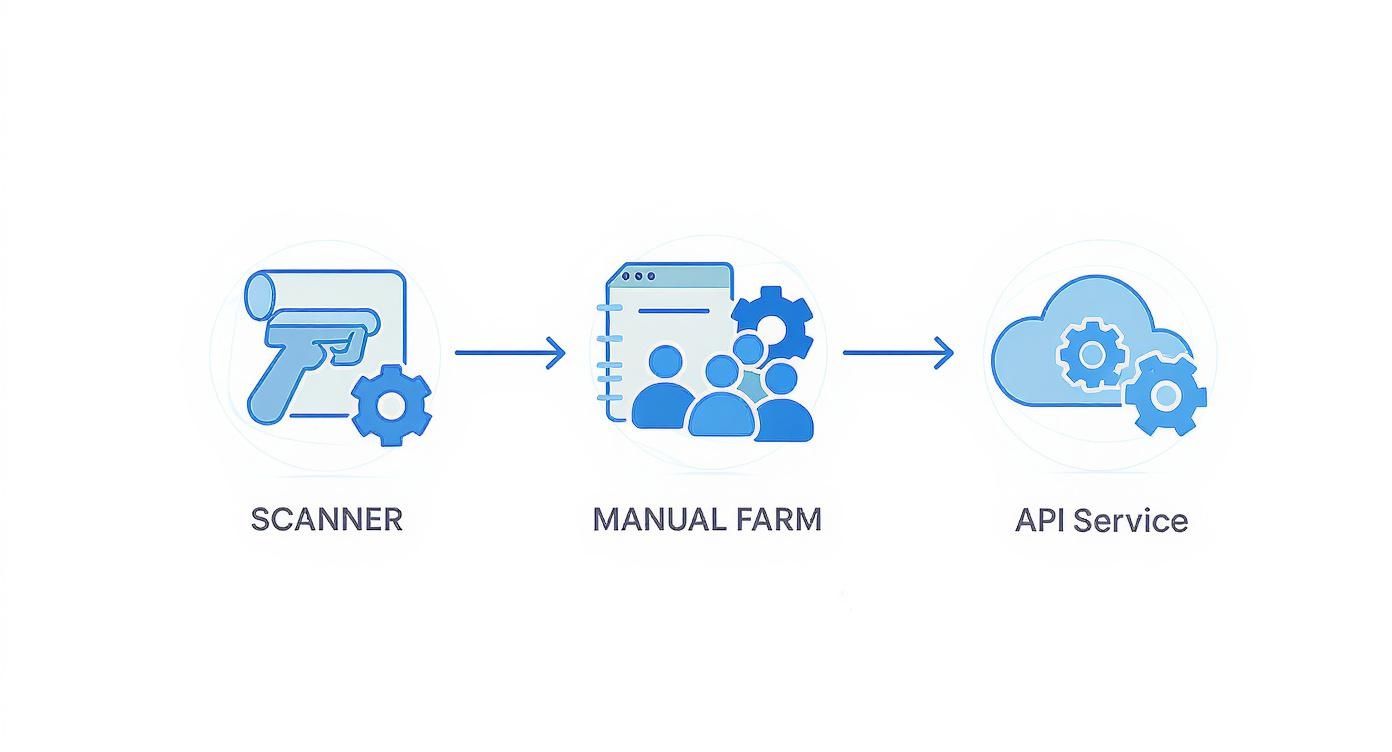
This is the difference between a brittle scraper that fights the site and a durable one that works within the site's infrastructure for data you're authorized to collect.
Build in Sensible Error Handling
A scraper built for the real world has to anticipate failures: the site might be slow, a page might change, or you might run into a challenge. Without proper error handling, your script will crash or hang.
Build in these strategies:
-
Timeouts: Don't wait forever for a response. Set a reasonable timeout, log the error if it's exceeded, fail the task cleanly, and move on.
-
Challenge Detection and Back-Off: If a request returns a verification challenge or an HTTP 429, catch it, back off, reduce your rate, and retry later—or surface it to a human rather than looping aggressively.
-
Rate-Limit Awareness: Watch for HTTP 429 and Retry-After headers and honor them. Respecting these signals keeps your traffic well-formed and reduces failed requests.
By building in these fallbacks, you'll create a much more resilient and well-behaved system. Using a managed service like Scrappey can simplify this by handling proxy rotation, consistent browser configuration, and retry logic for you—so you can focus on the data you're authorized to collect rather than the plumbing.
Navigating the Legal and Ethical Lines of Web Scraping

Knowing how to handle a CAPTCHA responsibly is one thing; understanding the rules around it is another. Web scraping sits at a tricky mix of website terms, actual laws, and plain good ethics. If you ignore them, you're risking more than rate limits and failed requests—you could face serious legal trouble and financial penalties.
Before you even think about writing a single line of code for a new scraping project, your first stop should always be the target website's core documents. Think of these as your roadmap for what's allowed.
-
Terms of Service (ToS): This isn't just fine print; it's a legally binding contract. Many ToS documents flat-out forbid any kind of automated access or scraping. Violate them, and you could have your access revoked or even be sued for breach of contract.
-
Robots.txt File: This is a simple text file you'll find at the root of a domain, telling bots which parts of the site they should avoid. It's not legally enforceable, but ignoring it is like walking into someone's house after they've asked you to stay out. It’s a huge red flag and a cornerstone of ethical scraping.
Understanding the Legal Framework
The legal side of web scraping is always changing, so it's vital to know the key laws that apply. In the United States, the big one is the Computer Fraud and Abuse Act (CFAA). This law makes it a crime to access a computer "without authorization."
For a long time, companies tried to argue that simply violating their ToS counted as "unauthorized access" under the CFAA. But landmark court cases, especially hiQ Labs v. LinkedIn, have cleared things up. The ruling made a critical distinction: scraping publicly available data—the kind of information anyone can see without a password—is generally not a violation of the CFAA.
This is the bedrock of ethical scraping. The line in the sand is authentication. Scraping public data is one thing, but trying to get around a login to access private, account-holder information is a massive legal and ethical no-go.
When you’re scraping, it's also smart to be aware of various legal frameworks, including specific acceptable use policies that lay out the rules of engagement with a website.
Best Practices for Responsible Scraping
Staying on the right side of the law means more than just avoiding password-protected pages. Ethical scraping is about being a good citizen of the web. It's about minimizing your load on a site and gathering data without causing headaches or downtime for the site you're collecting from.
Stick to these practical guidelines to lower your legal risk and keep your traffic well-behaved:
-
Identify Your Scraper: This is just good manners. Set a descriptive User-Agent string that clearly identifies your bot and gives the site owner a way to contact you (like a URL to your project or an email address). This shows you're acting in good faith.
-
Throttle Your Request Rate: Don't slam a server with hundreds of requests a second. That's a great way to slow it down or even crash it. Build reasonable delays into your code and honor any HTTP 429 / Retry-After signals the server sends.
-
Scrape During Off-Peak Hours: Be considerate. If you can, run your scrapers when the website is less busy, like late at night. This reduces the load on their servers and minimizes any impact on their real, human users.
By pairing your technical skills with a solid ethical framework, you can collect the data you need while steering clear of legal trouble and helping create a more sustainable data ecosystem for everyone.
Common Questions (and Straight Answers) About Handling CAPTCHAs
Even with a solid game plan, CAPTCHAs can raise some tricky questions. Let's tackle the most common ones that come up when you're trying to build a scraper that works reliably. Think of this as your go-to reference for the finer points of ethical, authorized data gathering.
Is Handling a CAPTCHA Actually Legal?
This is the big one, and the answer isn't a simple yes or no. Accessing publicly available data is generally not illegal in itself. However, the way you do it can violate a website's Terms of Service, which is a civil issue, not a criminal one—and routinely working around a human-verification challenge is a strong sign you should be requesting authorized access instead.
The main legal shadow in this space is the Computer Fraud and Abuse Act (CFAA), which makes it illegal to access a system "without authorization." But here's the key: recent court rulings have consistently leaned toward the idea that scraping public data doesn't violate the CFAA. The line in the sand is almost always drawn between public and private information. If anyone can see the data without needing a password, your legal risk is significantly lower.
The golden rule is pretty simple: scrape responsibly.
-
Never try to get past a login or authentication wall.
-
Always give the website's Terms of Service and robots.txt file a once-over.
-
If you're working on a large-scale commercial project, having a quick chat with a lawyer is never a bad idea.
Why Am I Still Hitting Rate Limits and Challenges?
This happens all the time. Modern bot detection systems look at your entire request profile, not any single factor. If you keep running into rate limits or challenges, it's almost certainly because your scraper is sending one of these inconsistent signals:
-
Poor IP Reputation: Are you using cheap datacenter proxies? They've likely been rate-limited many times. The fix is to move to higher-reputation residential or mobile proxies and to distribute requests across them.
-
An Inconsistent Browser Configuration: Your scraper might be sending mixed signals. Maybe your User-Agent string says you're on an iPhone, but your screen resolution headers say "4K desktop monitor." Every piece of your configuration has to tell the same, coherent story.
-
Erratic Request Pacing: Firing off requests too fast or mishandling your cookies causes problems. A reliable strategy combines sensible proxy management, a consistent browser configuration, and steady pacing.
Key Takeaway: The most reliable approach is proactive. Present a consistent, well-configured client and pace your requests from the start so challenges rarely appear—and when one does, treat it as a signal to slow down or seek authorized access, not to push harder.
What's the Real Difference Between reCAPTCHA v2 and v3?
Knowing the difference here is critical because you can't approach them the same way.
reCAPTCHA v2 is the one you know and "love." It's the "I'm not a robot" checkbox or that grid of grainy images where you have to find all the crosswalks. It’s an explicit challenge that stops you in your tracks and demands you prove you're human.
reCAPTCHA v3, on the other hand, runs quietly in the background, continuously analyzing behavior—mouse movement, typing rhythm, scroll speed—to assign a risk score between 0.0 and 1.0. The site owner uses that score to decide what to do: allow the request, rate-limit it, or serve an extra verification step. You often won't even know it's there until a challenge appears.
Handling v3 is a different approach. It's not about answering a puzzle; it's about maintaining a healthy score by keeping a consistent client configuration and steady pacing for your entire session.
Should I Build My Own Model to Answer CAPTCHAs?
For an ongoing project, this is the wrong question to optimize. Technically you could train a model, but it would be expensive, slow to build, useless against modern interactive and behavioral challenges, and—when used to answer challenges on a site without permission—likely against that site's terms.
The better use of your time is to remove the need for it: prevent challenges with consistent, well-paced requests, and where a workflow genuinely needs challenged access, request an official API or permission from the site owner. That is more reliable, more scalable, and clearly authorized.
It is worth noting how the technology has shifted: modern automated systems answer traditional text CAPTCHAs with very high accuracy, which is precisely why sites have moved to behavioral and interactive checks. This is also why prevention and authorized access—not recognition—are the durable strategies. You can dig into more of these verification statistics to see the full picture.
Dealing with CAPTCHAs is best handled by not provoking them and by working with a site's infrastructure for data you're authorized to access. Scrappey helps with the reliability side of this by bundling sensible proxy rotation, consistent browser configuration, and retry logic into one simple API, so you can manage the complexity in one place. Use it to build well-behaved automation and start collecting the data you're authorized to access.
Get started with Scrappey for free